ISSUE
POSSIBLE RESOLUTION(S)
Lines too thin/narrow...
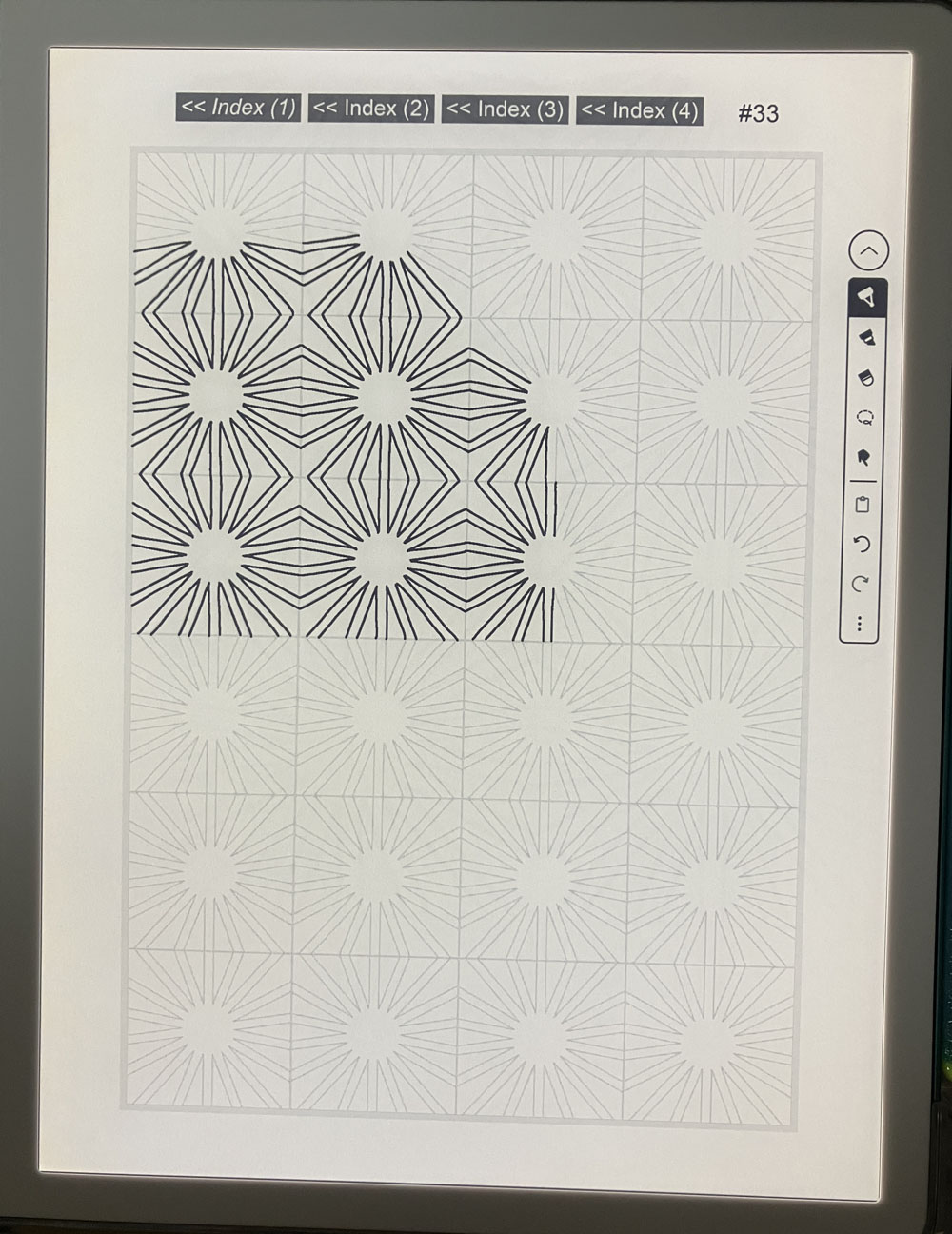
Try zooming up image...

Note: For available zoom options, refer to device's instructions or try online for assistance. You might also try various gestures [e.g. pinch-to-zoom (spread two fingers apart), spread-pinch, double-tap, etc.]. Note that gestures may vary by device/operating system and may be subject to change.
Also Try: Tracing Examples
Lines hard to see/too light...
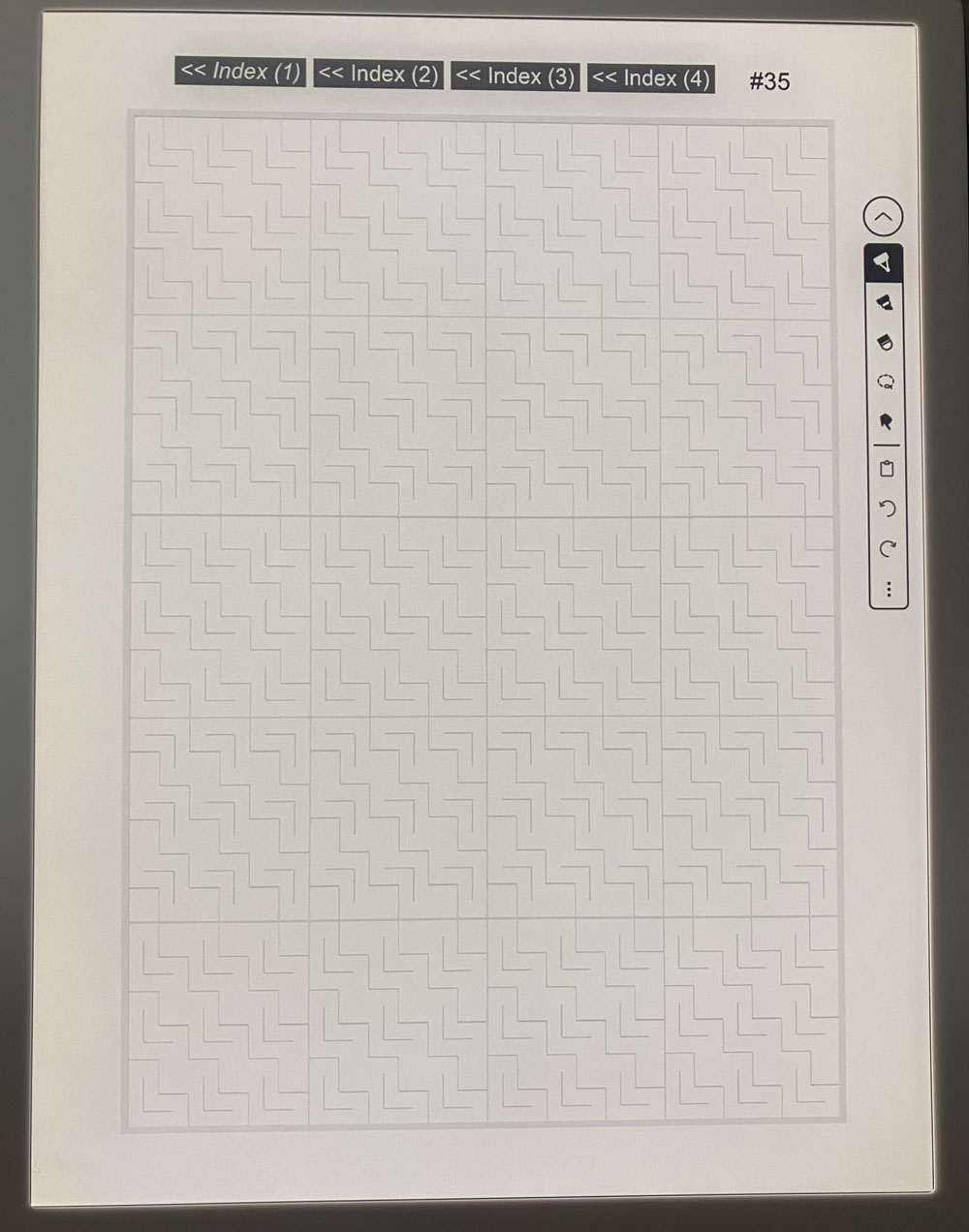
Try adjusting brightness/contrast, and/or try zooming up image...
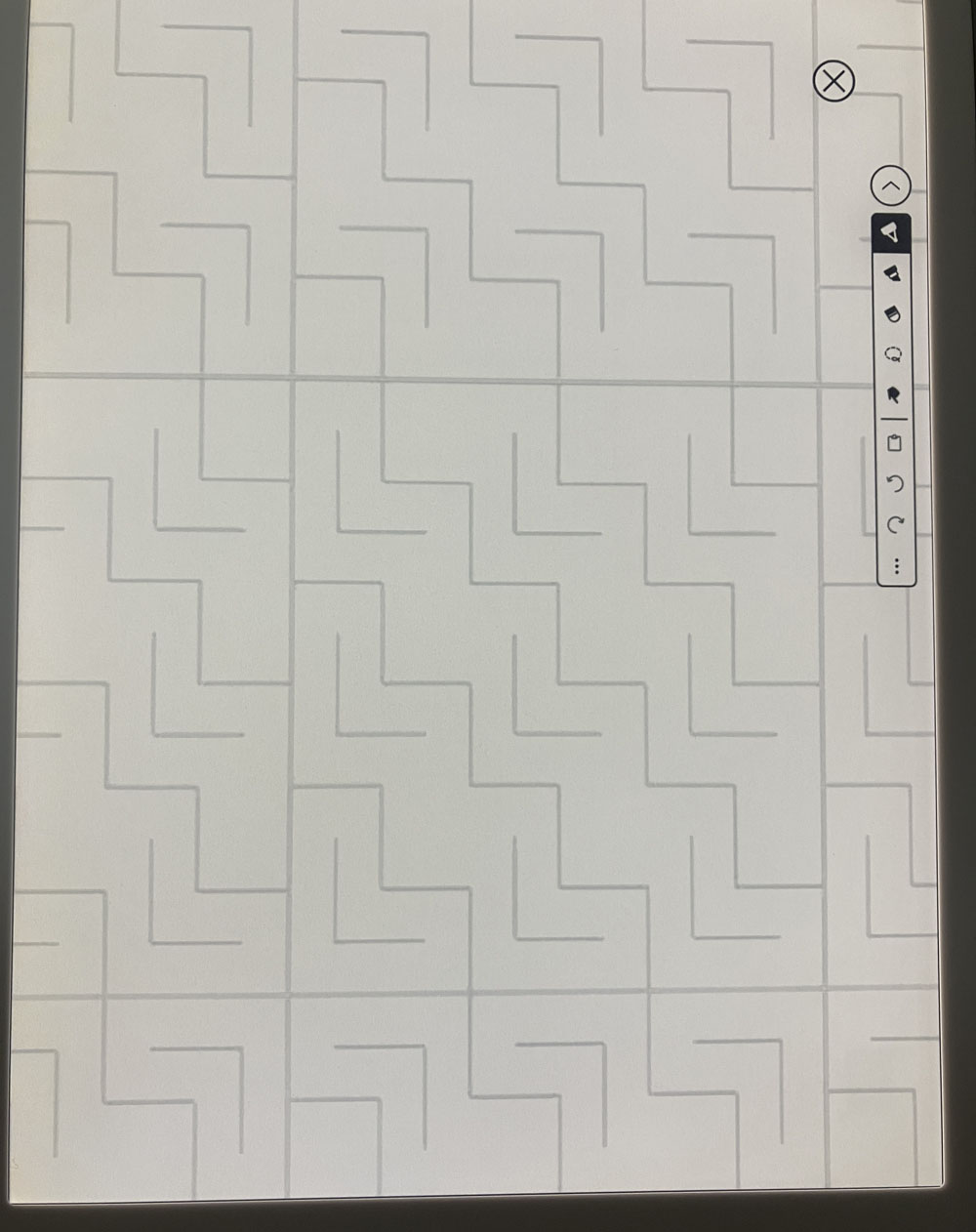
Note: For available zoom options, refer to device's instructions or try online for assistance. You might also try various gestures [e.g. pinch-to-zoom (spread two fingers apart), spread-pinch, double-tap, etc.]. Note that gestures may vary by device/operating system and may be subject to change.
Also Try: Tracing Examples
Final result looks messy...
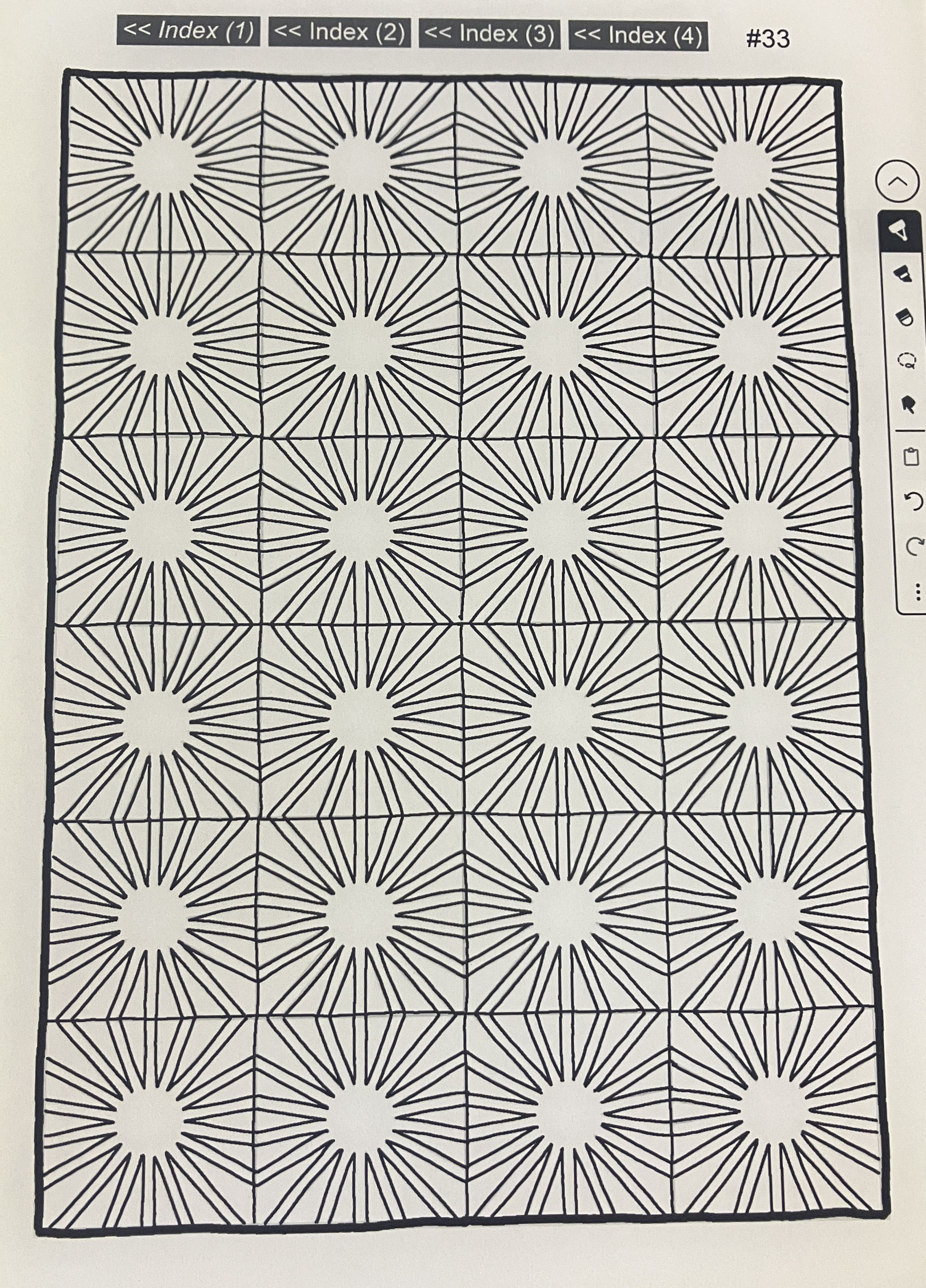
Consider omitting horizontal/vertical lines...
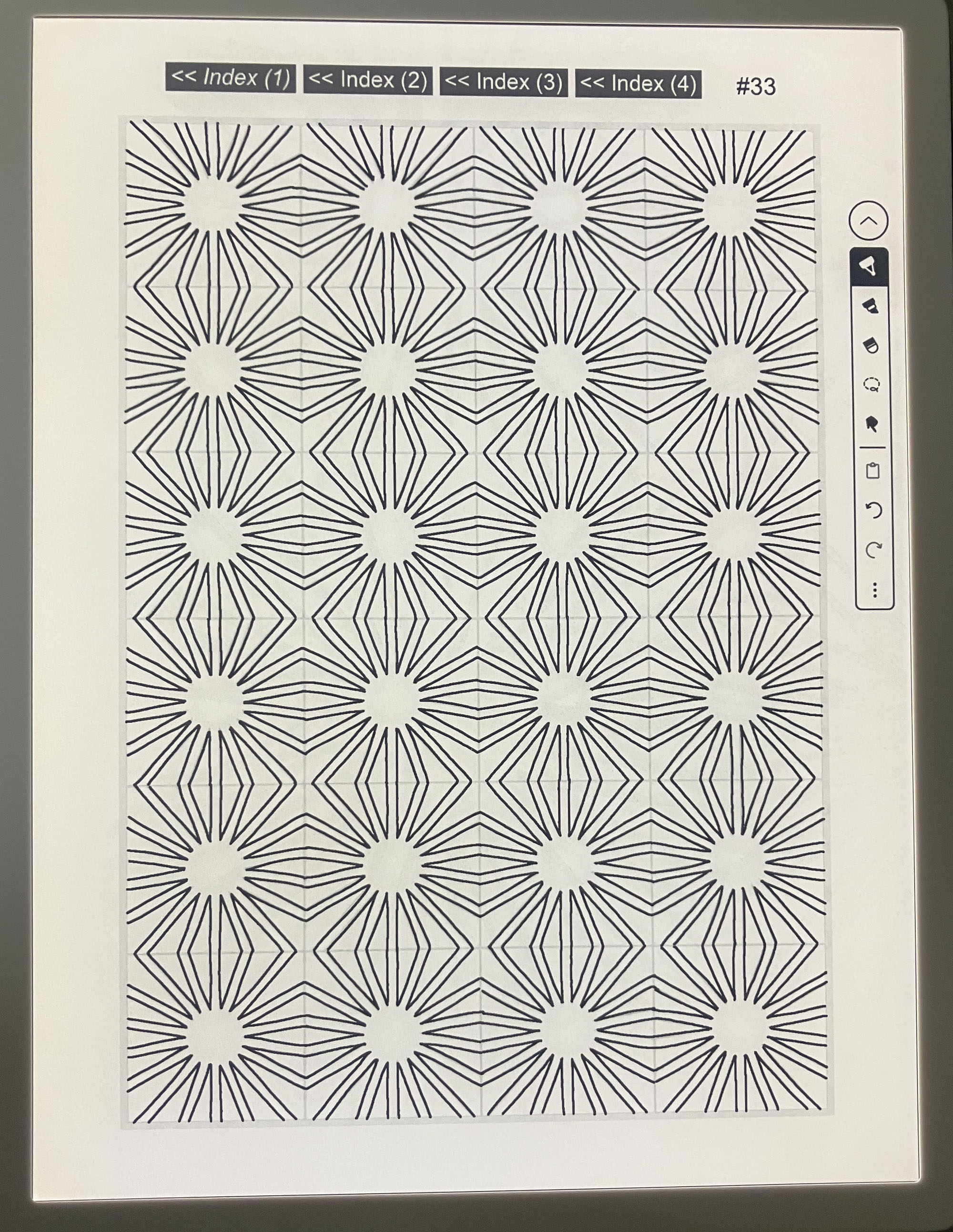
Also consider erasing/undoing & then redoing applicable lines that are not neat
Also Try: Tracing Examples
Lines block puzzle...
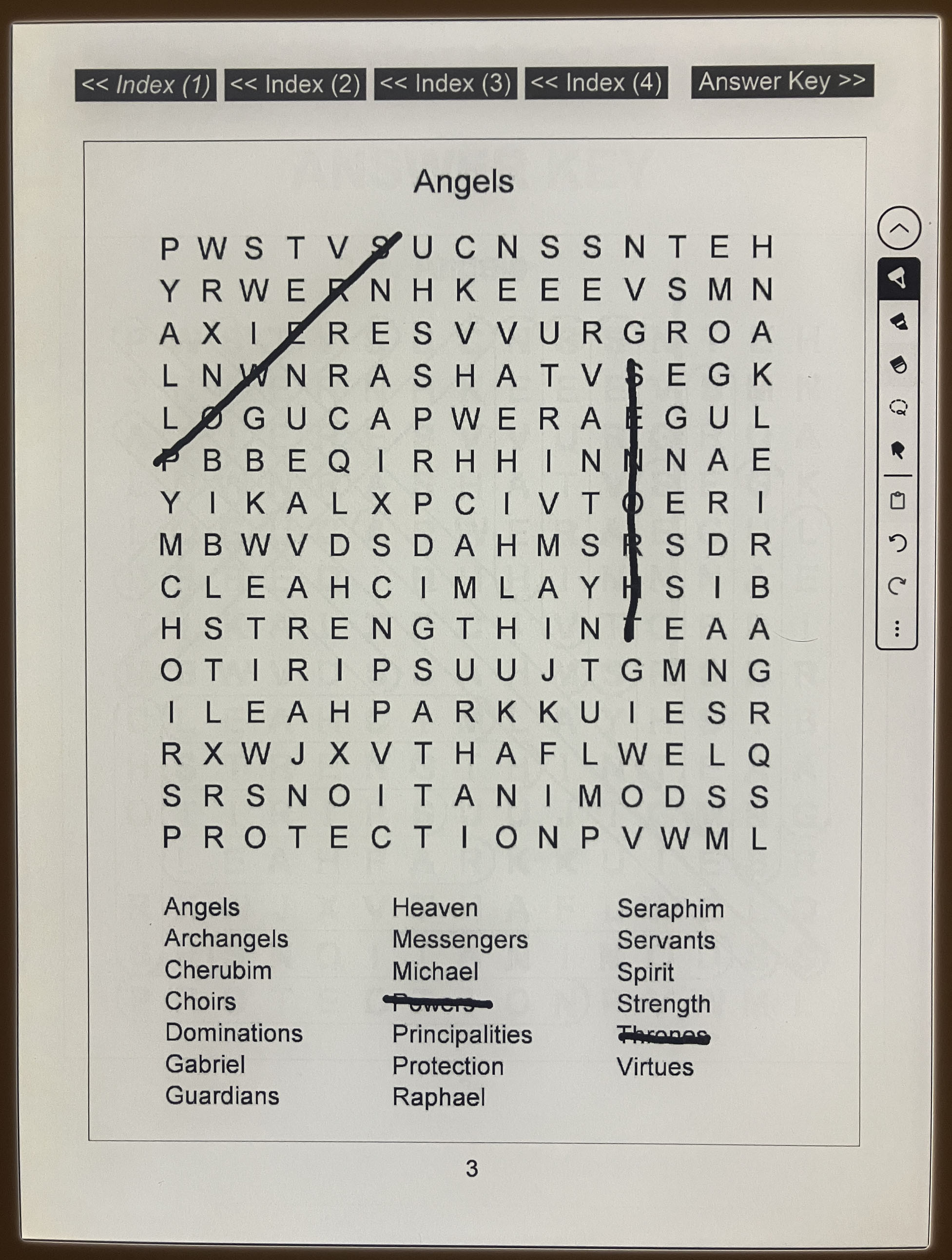
Consider highlighting...
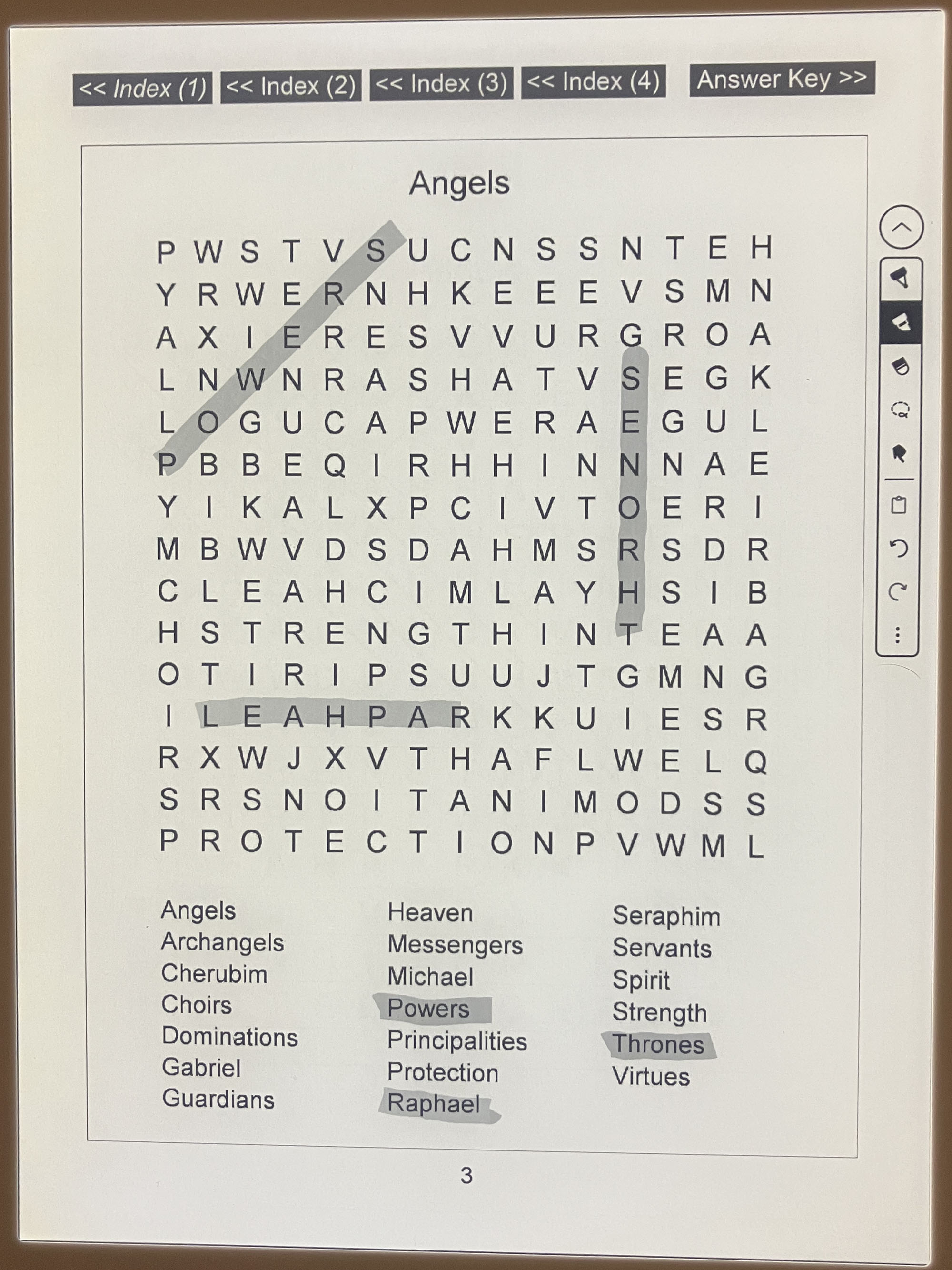
Or consider a narrower pen, and/or use outline instead of strikethrough
Problem With Link?
Try here
Problem With Answer Key?
Try here and here (.pdf version) or here (images)
3/2026 Update: The answer key issue has been resolved (at least for new purchases). Please try here for more information.
Looking For Table Of Contents / Tracing Examples?
Try here
Other Issue?
Issue With Device/Pen?
Please Note: Although we cannot troubleshoot issues with devices/pens, perhaps the following general questions may prove useful...+
* Have you tried turning the device off & back on?
* Is there sufficient storage space remaining on the device?
* Is the battery sufficiently charged?
* Is the operating system up to date?
* Have you checked the device's settings?
* Has the book downloaded properly?
* Is the pen tip in good shape?
* Have you checked your internet connection (as applicable)?
* Did you follow appropriate instructions in error messages (if any)?
* Might it be helpful to try again at a later time or on another device (if available)?
* Have you consulted the device manufacturer/seller or tried online for assistance?
+ Note: Be sure to first have a good backup in order to prevent data loss
